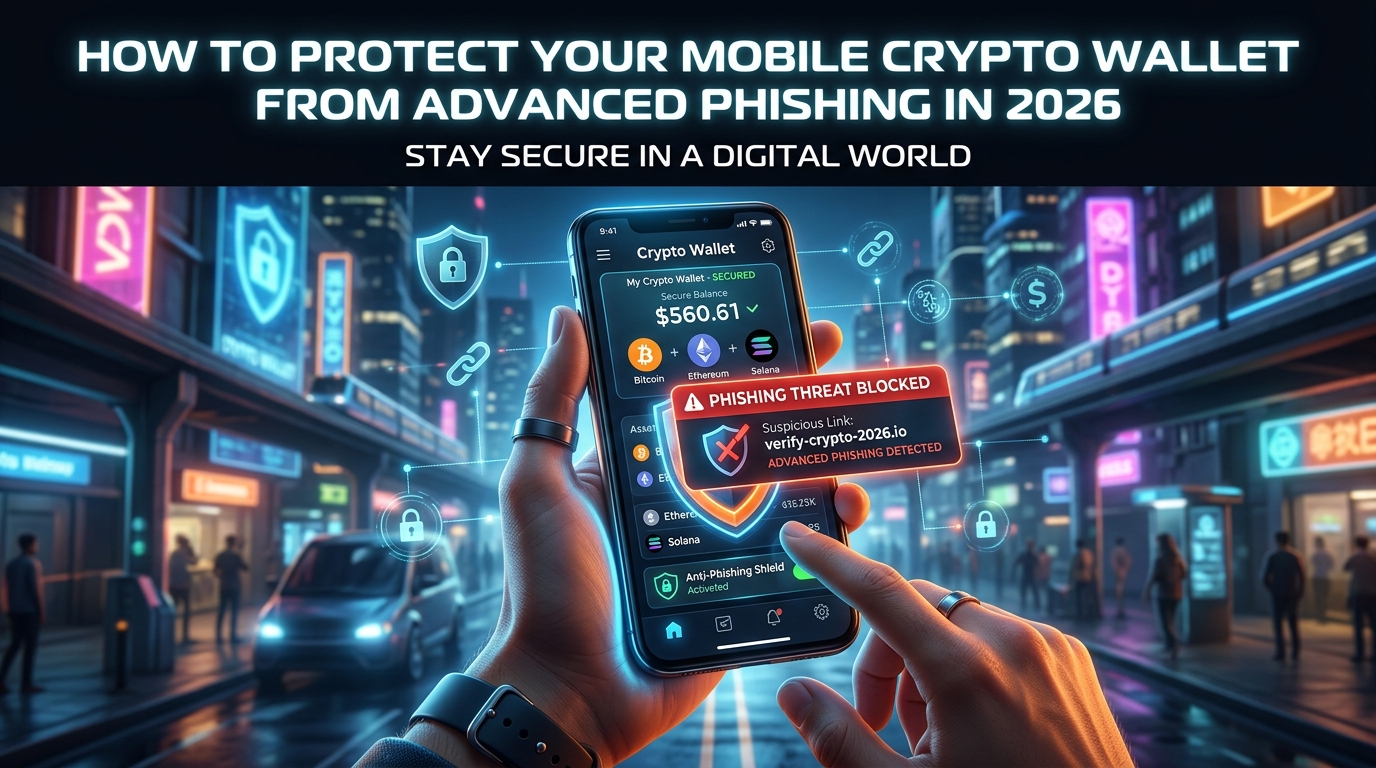
The text came in at 2:17 a.m. It looked exactly like a message from Coinbase — the logo, the font, the sender ID that read “CB-Alerts.” It said a login attempt had been detected from a device in Bucharest and that the user needed to verify their seed phrase immediately or face a 48-hour account freeze. The link it contained resolved to a domain that, at a glance, was indistinguishable from the real thing.
Advertisement
By morning, $34,000 in ETH was gone.
This wasn’t some naive first-time crypto user. The person who lost that money was a software developer who had been in the space for four years. The attack wasn’t brute force. It was theater — precise, researched, and extraordinarily convincing. That’s what phishing has become in 2026: not a crude email with spelling errors, but a coordinated social engineering operation that can fool anyone who isn’t paying very close attention.
So let’s talk about what’s actually happening, and more importantly, what you can do about it.
Advertisement
The Threat Has Evolved. Most Advice Hasn’t.
The standard guidance — “don’t click suspicious links,” “enable two-factor authentication,” “keep your seed phrase offline” — isn’t wrong. It’s just incomplete. The attackers have read that advice too, and they’ve built their campaigns specifically to work around it.
Sim-swapping, for instance, has been a known attack vector for years. Carriers have added PINs and account flags, and it’s still happening constantly. Why? Because the attackers don’t need to break the system. They call customer support, pretend to be you, cite a stolen ID, and lean on the fact that support agents are human beings who can be manipulated. One carrier PIN isn’t enough protection when someone is willing to make fifteen calls until they reach an agent having a bad day.
AI-generated voice cloning has made this worse in ways that aren’t fully appreciated yet. Scammers can now synthesize a convincing voice from a few minutes of publicly available audio — a YouTube video, a podcast appearance, a TikTok. Imagine getting a call that sounds exactly like your crypto exchange’s support team, walking you through a “security verification” process that ends with you handing over an OTP code. That’s not science fiction. It’s happening.
Then there’s the category of phishing that targets mobile wallets specifically: fake wallet apps. In 2025, researchers found dozens of counterfeit versions of popular wallets — MetaMask, Trust Wallet, Phantom — distributed through third-party app stores and, in some cases, through carefully constructed Google and Apple search ad campaigns. The fake apps looked pixel-perfect. They functioned normally for weeks before draining connected accounts in bulk.
Your Seed Phrase Is the Castle. Treat It That Way.
Everything in crypto security flows from one principle: your seed phrase (or private key) is the only thing that truly matters. Whoever has it owns your funds. Not “has access to” — owns. There is no customer support, no reversal, no recourse.
This sounds obvious. And yet the number of people who store their seed phrase in their phone’s notes app, in a Google Doc, in an iCloud-synced text file, or — god forbid — in a screenshot that lives in their camera roll, is staggering. Any of those locations can be accessed remotely if your device or cloud account is compromised. A single phishing email that captures your Google credentials can expose a seed phrase you thought was private.
Write it down. On paper. Store that paper somewhere physically secure — a fireproof safe, a safety deposit box, split across two trusted locations if the amount at stake warrants it. If you want a more durable solution, metal seed storage cards (products like Cryptosteel or Bilodeau plates) can survive fire and flooding. For anything above a few hundred dollars in value, the effort is trivially cheap compared to what you’re protecting.
And never, under any circumstances, enter your seed phrase into any website, app, or form — no matter how official it looks. No legitimate wallet, exchange, or service will ever ask for it. If something is asking for your seed phrase, that thing is a scam. Full stop.
Practical Defenses for Your Mobile Wallet
Hardware wallets get recommended constantly, and for good reason — but most people don’t use one for their mobile, day-to-day spending wallet. So let’s focus on what you can actually do within the mobile environment.
**Use a dedicated device if you’re holding significant value.** A cheap Android phone that you use exclusively for crypto, never for browsing or email, reduces your attack surface dramatically. It sounds extreme until you do the math on what you’re protecting.
For everyone else: keep your mobile wallet app to a minimum balance — treat it like a physical cash wallet, not a bank account. Move anything significant to cold storage. The inconvenience of a hardware wallet is the price of security.
Enable biometric authentication on your wallet app, but understand its limits. Face ID and fingerprint readers are good deterrents against casual access. They won’t stop malware that’s already running on your device, which is why your broader device hygiene matters enormously.
Be surgical about app permissions. Your crypto wallet has no legitimate reason to access your contacts, microphone, or location. If an app asks for these during setup, that’s worth pausing over. Regularly audit which apps have which permissions — both iOS and Android make this easy, and most people never look.
Phishing-Specific Defenses
When a message, email, or notification asks you to do anything related to your wallet — verify, confirm, unlock, restore — your default response should be suspicion. Not panic, just skepticism. Before you click anything, go directly to the official app or website by typing it yourself or using a saved bookmark. Not the link in the message. Never the link in the message.
Bookmark the actual URLs of every crypto service you use. This takes five minutes and eliminates an enormous category of attack. Phishing domains are clever — coinbaise.com, metamask-secure.io, trust-wallet-verify.com — and they’re designed to be glanced at, not scrutinized. A bookmark removes the opportunity for that deception entirely.
For email, consider using a unique address exclusively for your crypto accounts — one that isn’t used anywhere else and isn’t publicly associated with your identity. If you start getting crypto-related phishing on that address, you know the exchange’s database has been breached. More practically, it means the flood of spam and phishing that targets generic email addresses won’t reach the inbox you use for account alerts.
SMS-based two-factor authentication is better than nothing, but it’s the weakest form of 2FA available. It’s vulnerable to sim-swapping. Where possible, switch to an authenticator app (Google Authenticator, Authy, or better yet, a hardware key like a YubiKey). Most major exchanges support this now. Make the switch.
The Social Engineering Angle
Pure technical defenses won’t protect you from a well-constructed human attack. The Bucharest login scenario at the top of this piece worked because it created urgency and fear. That’s the mechanism behind nearly every successful social engineering attack: a compressed decision window in which your critical thinking gets overridden by stress.
Attackers know that you’re most vulnerable when you believe something bad is actively happening to your account. They manufacture that belief. The defense is recognizing the pattern and forcing a pause. If you feel rushed or pressured in any interaction that touches your wallet or private keys, that pressure itself is the signal. Stop. Close the tab or hang up. Verify through official channels independently. Take twenty minutes if you need to.
There’s also a category of attack that targets crypto communities specifically — Discord and Telegram servers for DAOs, NFT projects, and DeFi protocols are routinely compromised. Attackers take over moderator accounts and post “urgent” announcements about contract migrations or security incidents that require wallet interactions. The links go to drainer contracts. This has happened to enormous, well-known projects with thousands of active users.
The rule here is the same: no Discord message or Telegram alert should ever be your prompt to connect your wallet to something new. Verify any contract address through the project’s official website — not the Discord, not Twitter, but a primary domain source — before you sign anything.
Staying Current
The specific tactics will keep shifting. What works against attackers in early 2026 may be obsolete by year’s end. The more useful investment isn’t memorizing a list of current scams but developing a general posture: verify independently, slow down under pressure, minimize your attack surface, and protect your seed phrase like the master key it is.
Follow security researchers who specialize in crypto — accounts like ZachXBT, samczsun, and the team at blockchain security firms like Halborn regularly publish post-mortems on real attacks. Reading those reports is genuinely educational. You start to see the patterns, the playbooks, the recurring failure modes. That pattern recognition is hard to replace with any checklist.
The person who lost $34,000 told this story publicly because they wanted others to learn from it. They described going back through the message afterward and seeing, finally, the small tells they’d missed: a domain with a hyphen that the real Coinbase doesn’t use, a phone number that didn’t match the one on their account statements. Small things. Easy to miss at 2 a.m. with adrenaline running.
The attackers are patient, well-resourced, and improving. You don’t have to be perfect — you just have to be harder to fool than the next target.
Advertisement